
Pro Shop, Cart, Checkout, My account, Terms and Refund pages exist in every language, and the cart follows the visitor from one language to another.
Create the store pages in every language #
- Setup Wizard: keep Create the WooCommerce shop, cart, checkout and My account pages in every language ticked on the last step.
- Later: WooCommerce → Status → Tools → Install WooCommerce pages in every language → Install pages. It installs missing WooCommerce pages and creates a translation in every language that has none. Pages already set up are not replaced.
- New language: its store pages are created automatically the next time you open an admin screen.
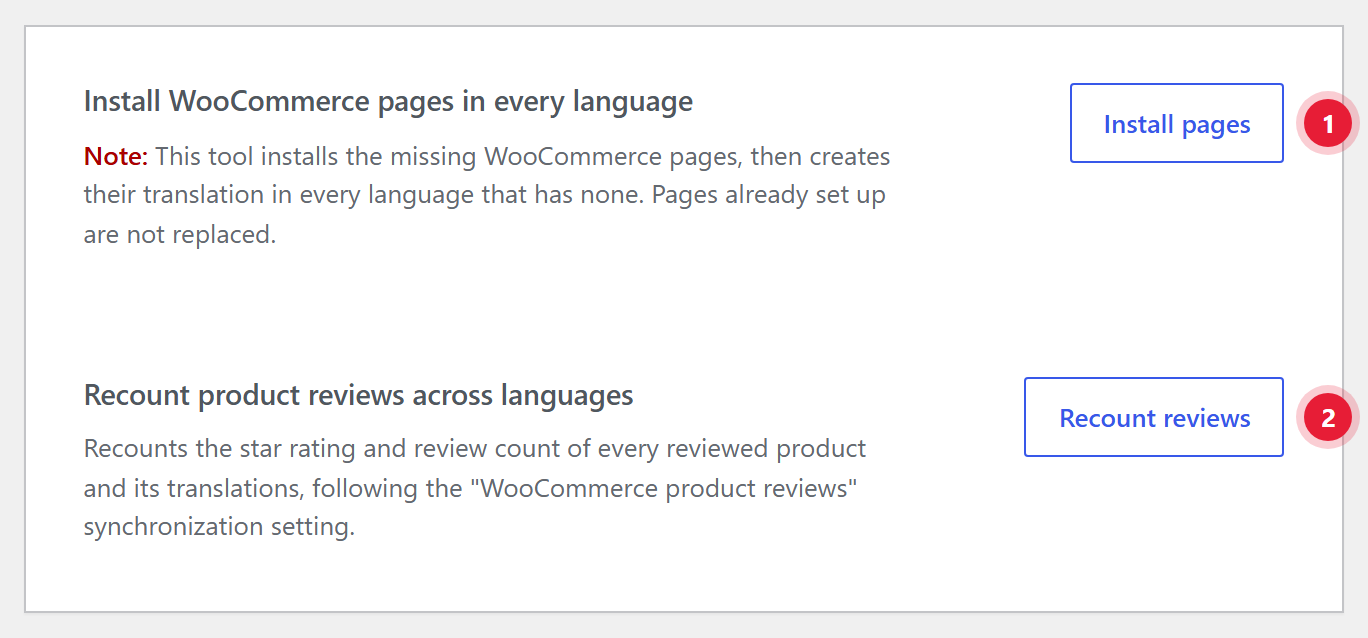
- 1Install pages. Creates missing store pages and their translations in every language.
- 2Recount reviews. Recounts ratings across languages. See Reviews.
Translated store pages carry the same label as the original in the Pages list, such as Shop Page or Checkout Page. Translate their titles and slugs like any page.
Check them #
- WooCommerce → Status has a ShapeTranslate: WooCommerce pages section listing each page per language, with problems such as “No translation”, “Not published” or “The WooCommerce block or shortcode is missing”.
- Tools → Site Health warns “Some WooCommerce pages are not translated” and links to the tool.
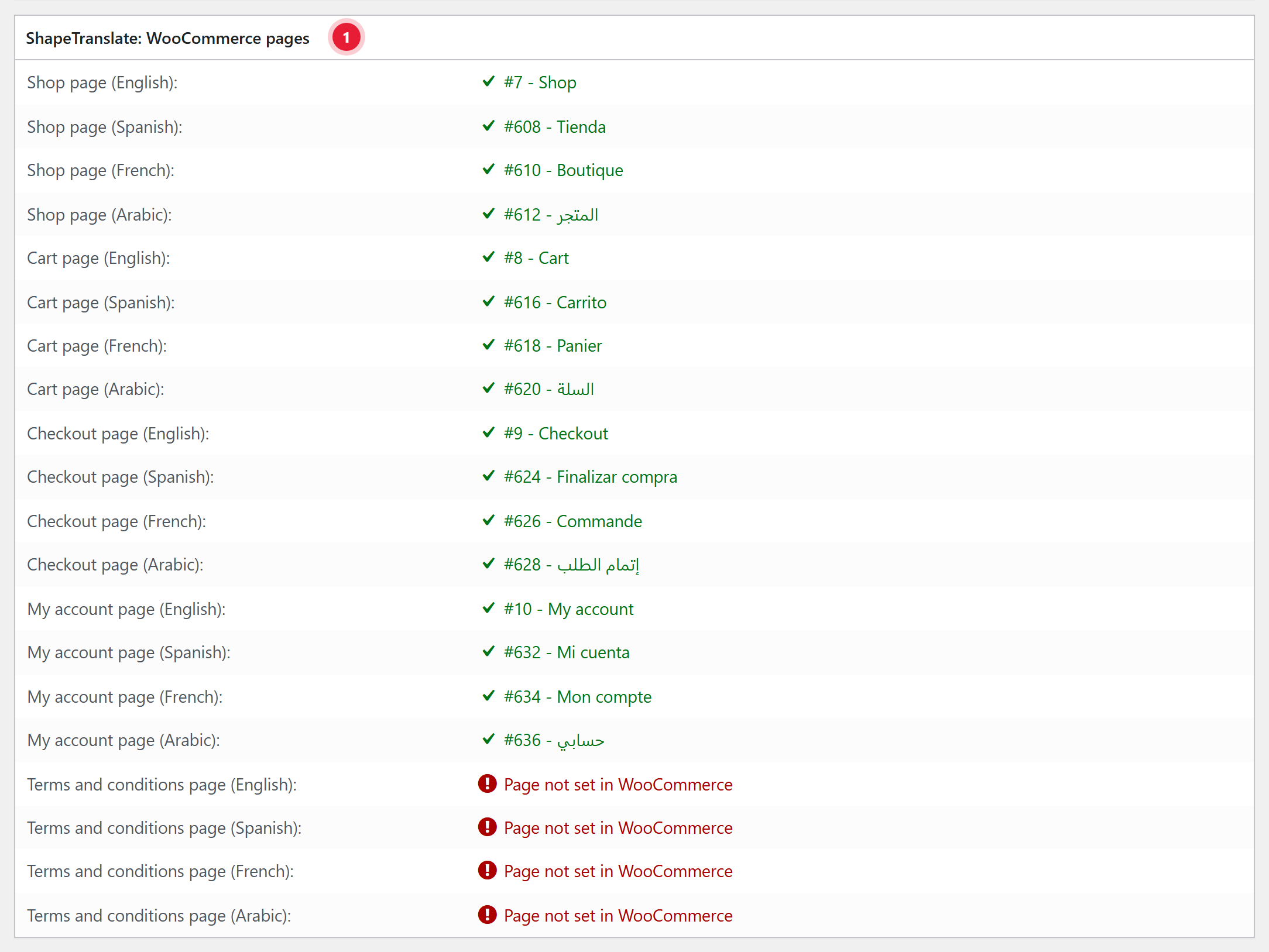
- 1ShapeTranslate: WooCommerce pages. Every store page in every language. A green ✓ shows the page in use, such as Panier for the French cart. A red mark explains what to fix; here no Terms and conditions page is set in WooCommerce yet.
Keep the block or shortcodeA translated Cart, Checkout or My account page must still contain the WooCommerce block or shortcode. Translate the text around it, not the block itself.
The cart in every language #
- Switching language keeps the cart. Items swap to that language’s product or variation; the price stays the same.
- An item with no published translation stays as it is, so a partly translated catalog never empties a cart.
- The mini-cart refreshes after a switch. Related products, up-sells and cross-sells show in the current language.
- Subdomains and separate domains: the language switcher carries the cart, and the customer’s sign-in, to the other domain.
Below, a visitor added two products on the English shop, then switched to French. The same cart shows in French.

- 1Current language. English.
- 2Products. Slim Fit Stretch Chinos and Lightweight Denim Jacket, $113.00 in total.

- 1Français. The translated Cart page, Panier, opens on its own French URL.
- 2Same items, translated. Chino stretch coupe slim and Veste en jean légère. Quantities and the $113.00 total stay the same.
- 3Valider la commande. Leads to the French checkout page, Commande.
Checkout #
- Works with the classic checkout and the Cart and Checkout blocks. Notices, totals labels and product names are in the page language. Payment and shipping method names follow too, once you translate them in String Translation → WooCommerce; until then they show the original text.
- The order-received (thank-you) page opens in the order’s language, even after paying on an external gateway.
- WooCommerce’s own texts such as “Add to cart” come from WooCommerce language packs, which ShapeTranslate installs for every enabled language.


